
XSLT Injection is a security vulnerability that arises when untrusted input is incorporated into an XSLT stylesheet or otherwise influences the XSLT transformation in an unsafe manner. If an attacker can manipulate parts of the stylesheet, they may alter the transformation process and, depending on the specific XSLT processor and its configuration, access external resources or perform unauthorized operations.
XSLT (Extensible Stylesheet Language Transformations) is a language used to transform XML documents into various formats, such as HTML, plain text, or additional XML documents.
In standard XSLT processing, user data is treated as data. However, XSLT injection occurs when untrusted input is treated as part of the XSLT code or stylesheet structure.
- Untrusted Input Influences the Stylesheet: An application accepts user-controlled input and directly incorporates it into an XSLT stylesheet or dynamically constructs XSLT code using that input.
- Insufficient Separation Between Code and Data: Instead of passing user input as an XSLT parameter or variable, the application inserts the input into the stylesheet itself.
- XSLT Processing: The XSLT processor then interprets the resulting stylesheet. If the attacker has successfully modified the stylesheet, the processor may execute operations that the application developer did not intend.
- Data Disclosure: An attacker may gain access to XML data or other information exposed to the XSLT processor.
- Unauthorized Resource Access: If external resource access is enabled, an attacker might cause the processor to access resources that were not intended to be exposed.
- Denial of Service: Maliciously constructed XSLT transformations can consume excessive CPU or memory resources, potentially affecting the application's availability.
- Server-Side Code Execution: Some XSLT processors provide extension functions or integrations that can interact with the operating system or other services. If these capabilities are enabled and accessible to an attacker, XSLT injection may lead to arbitrary code execution. However, code execution is not an inherent risk associated with XSLT injection; it depends on the specific processor, available extensions, and security configuration.
- Keep XSLT Code Separate From User Input: Do not construct XSLT stylesheet source code using untrusted input. Instead, maintain a static stylesheet and pass user-controlled values through XSLT parameters or variables.
- Use XSLT Parameters: Treat user input as data rather than code. This usage prevents the value from becoming part of the stylesheet structure.
- Restrict External Resource Access
- Use a Restricted XSLT Processor Configuration: Configure the XSLT processor with the minimum capabilities necessary for the application. Where possible, use access-control mechanisms or sandboxing to prevent unauthorized file and network access.
- Validate Input Where Appropriate: Input validation can provide an additional layer of defense, but it should not be the primary protection. The key defense is to prevent untrusted input from becoming part of the XSLT stylesheet itself.
- Apply the Principle of Least Privilege: Run the application and XSLT processor with only the permissions needed. Restrict access to sensitive files, network resources, and operating system functionality.
- Keep XSLT Processors Updated: Use supported versions of XSLT libraries and processors, applying security updates regularly. Perform Security Testing: Conduct code reviews and security testing to determine if user-controlled input can influence XSLT stylesheets or access restricted processor capabilities.
Clone this current repo recursively
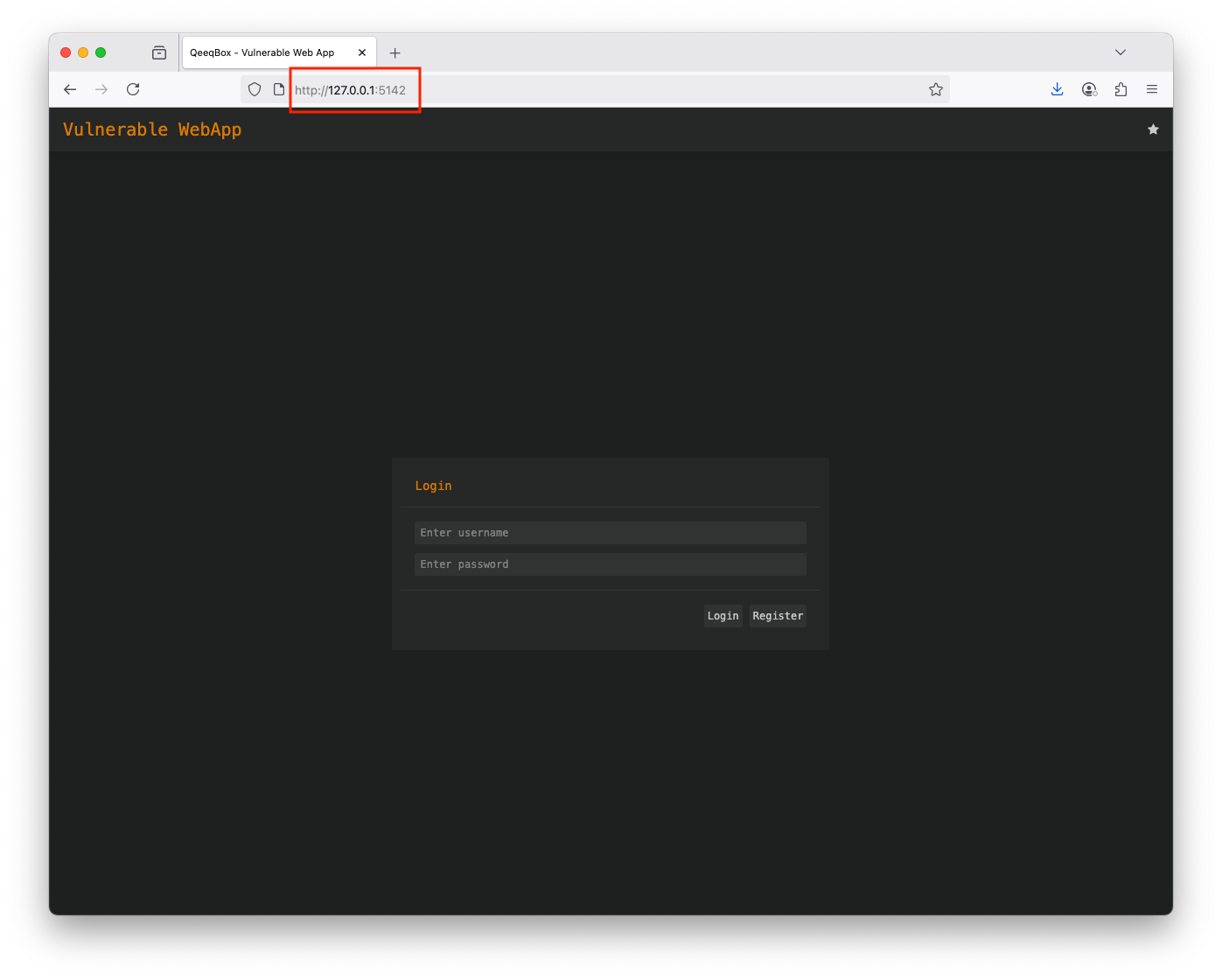
git clone --recurse-submodules https://github.com/qeeqbox/xslt-injectionRun the webapp using Python
python3 xslt-injection/vulnerable-web-app/webapp.pyEnable the edit option in the config.xml
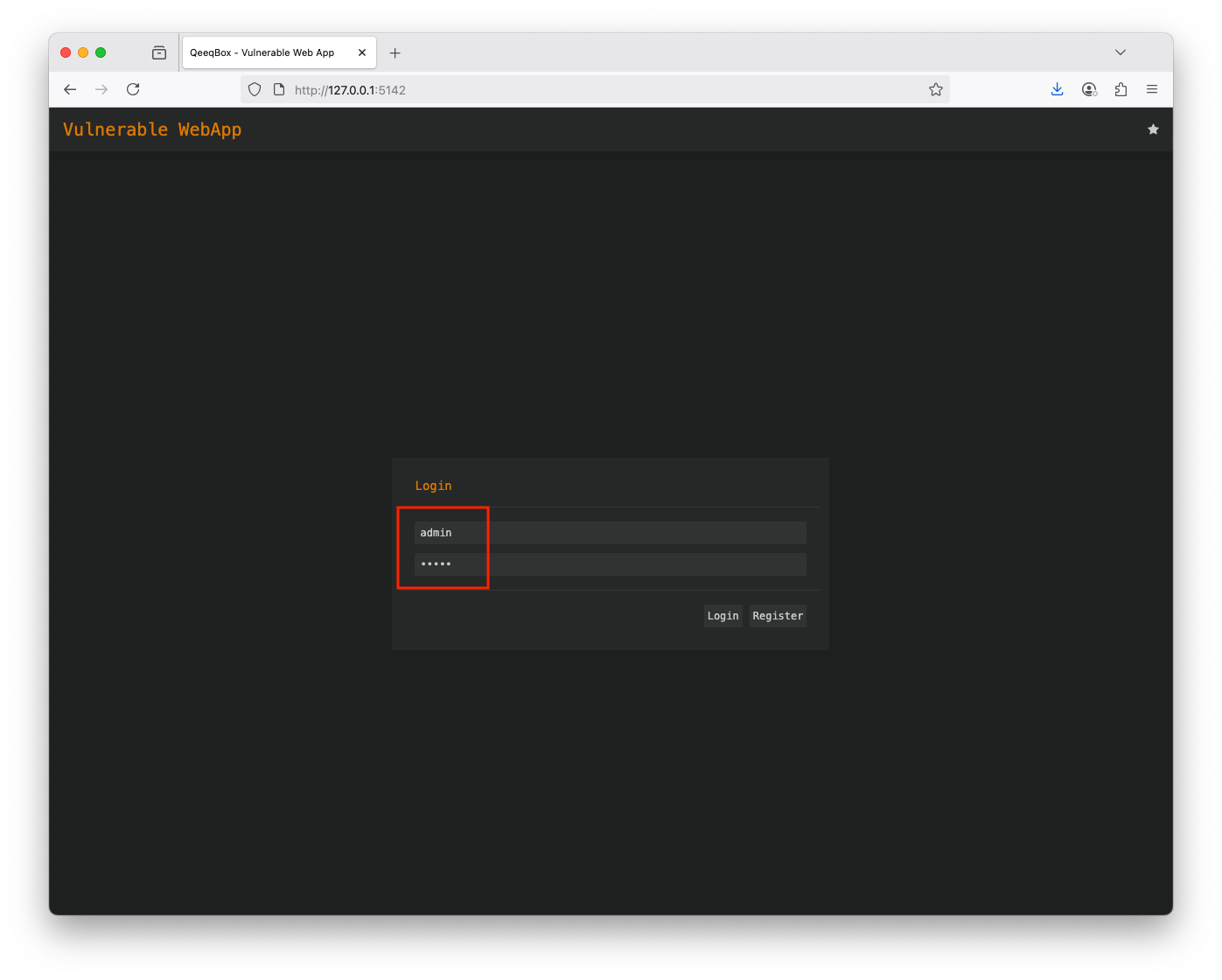
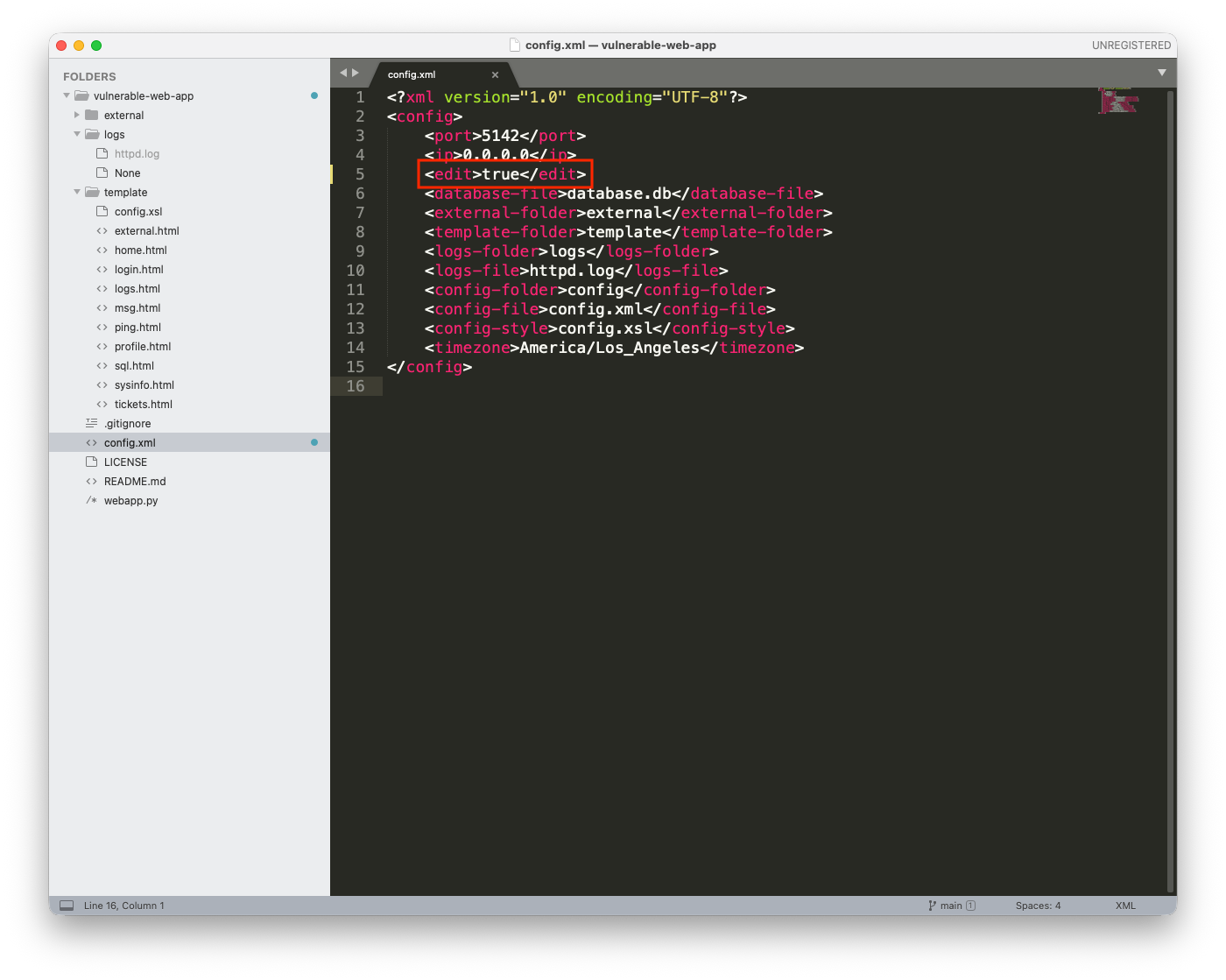
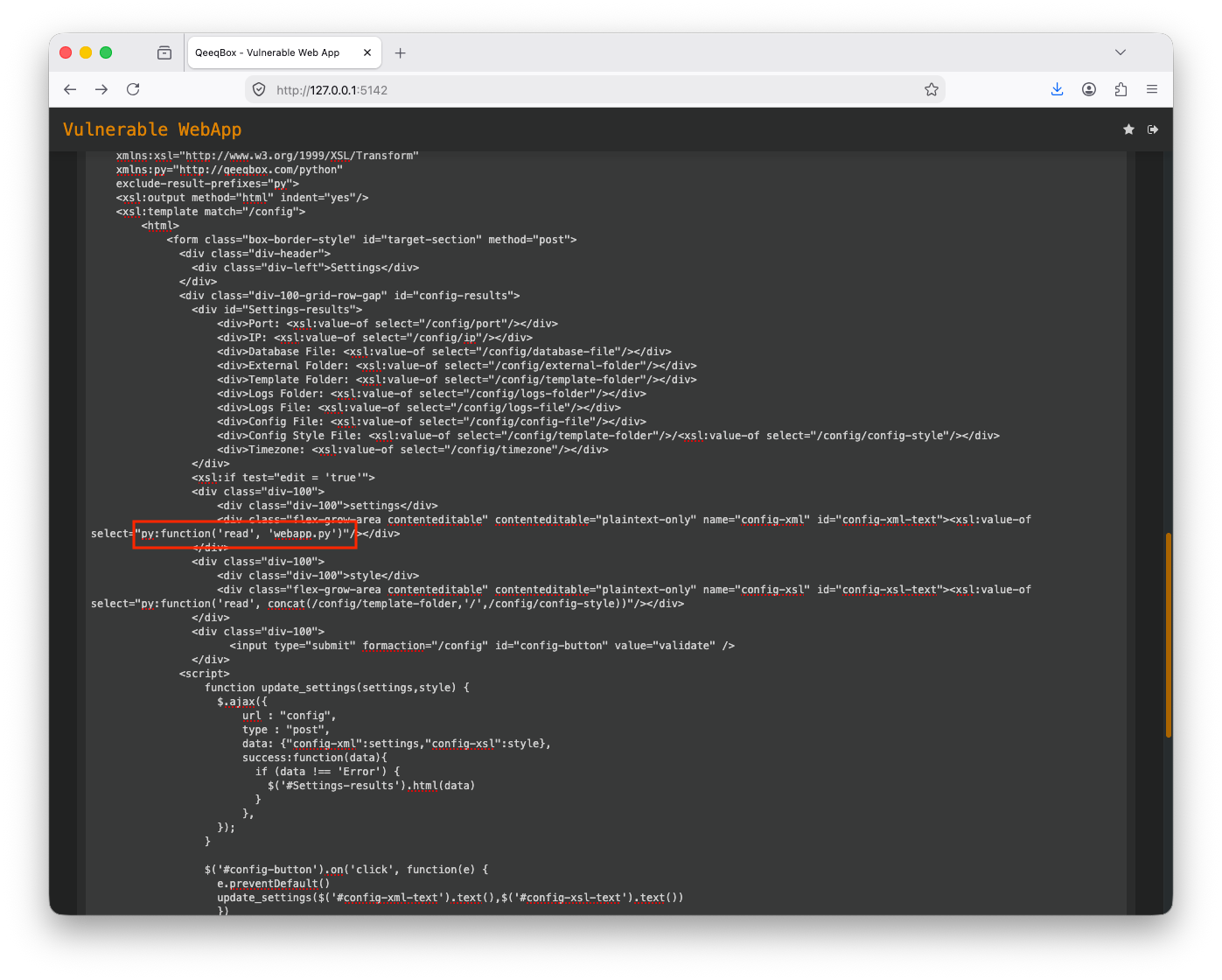
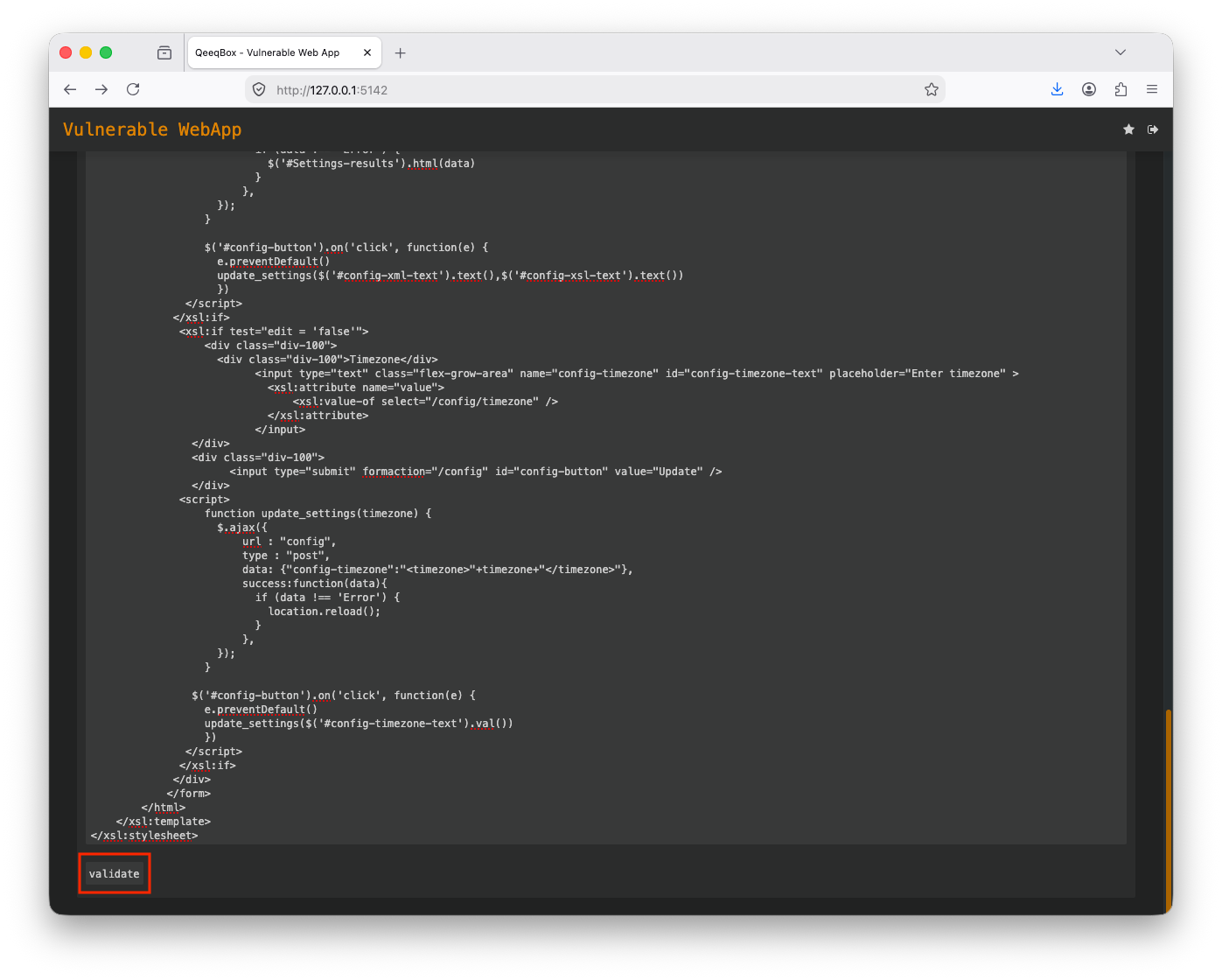
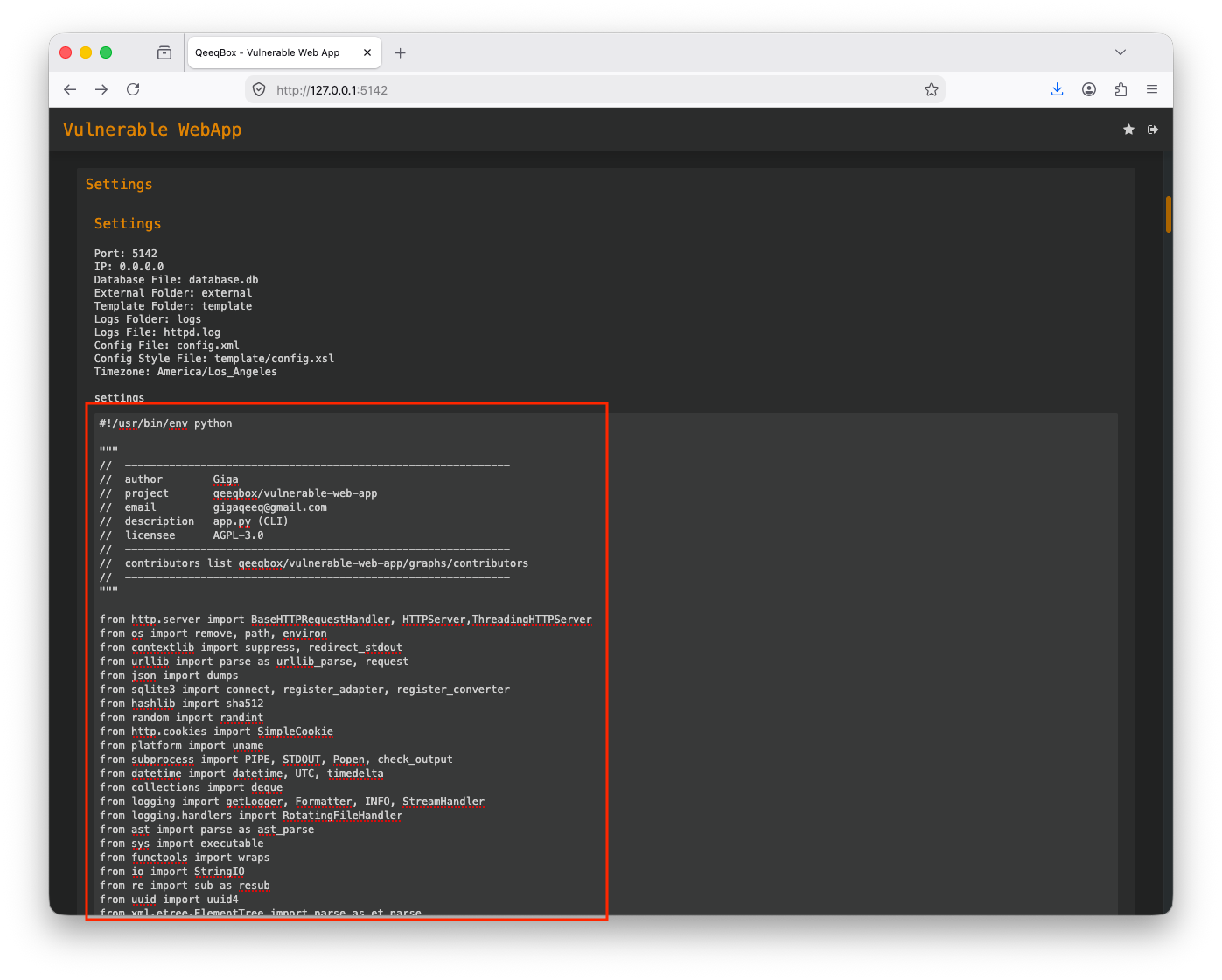
When a user hits the validate button, a post request is sent that includes both XML and XSL content to the webapp to validate
function update_settings(settings,style) {
$.ajax({
    url : "config",
    type : "post",
    data: {"config-xml":settings,"config-xsl":style},
    success:function(data){
      if (data !== 'Error') {
        $('#Settings-results').html(data)
      }
    },
});
}

$('#config-button').on('click', function(e) {
e.preventDefault()
update_settings($('#config-xml-text').text(),$('#config-xsl-text').text())
})
The post request data is sent to the validate_config() function
elif parsed_url.path == "/config":
    if "config-xml" in post_request_data and "config-xsl" in post_request_data:
        self.send_content(200, [('Content-type', 'text/html')], self.validate_config(post_request_data["config-xml"][0],post_request_data["config-xsl"][0]))
        return
    if "config-timezone" in post_request_data:
        self.send_content(200, [('Content-type', 'text/html')], self.update_config(post_request_data["config-timezone"][0]))
The validate_config() function handles the custom Python read function and outputs the requested file from the system
def validate_config(self,settings=False,style=False):
    ret = b""
    try:
        from lxml import etree
        def python_function(context, function_name, argument):
            if function_name == "read":
                with open(path.join(PATH,argument),"r") as f:
                    return f.read()
            raise ValueError("Unsupported function")
        ns = etree.FunctionNamespace("http://qeeqbox.com/python")
        ns["function"] = python_function
        parser = etree.XMLParser(resolve_entities=True)
        config = etree.fromstring(settings.encode("utf-8"), parser)
        xsl_doc = etree.fromstring(style.encode("utf-8"), parser)
        transform = etree.XSLT(xsl_doc)
        ret = etree.tostring(transform(config), encoding="utf-8")
    except Exception as e:
        ret = str(e).encode("utf-8")
    return ret